ChromeOS Flex: How to breathe new life into an old computer
Google offers a free solution for optimizing old PCs using the lightweight ChromeOS Flex operating system.
 💡Tech
Photo: UNIAN
Key points
- Free Windows alternative for old PCs
- Performance optimization via Google cloud services
- Data backup required before installation
Many owners of outdated computer hardware in Sloviansk face the problem of slow performance with modern operating systems. If your laptop or desktop PC can no longer handle Windows updates, switching to ChromeOS Flex—a free platform from Google adapted for low-power hardware—could be the optimal solution.
Features and system installation
Unlike full-featured Windows, ChromeOS Flex is focused on working with cloud services and the web browser. This makes it an ideal tool for learning, media consumption, and office tasks. The installation process is straightforward: using a special extension in the Chrome browser, you create a bootable USB drive (16 GB or more), which allows you to test the system before full installation.
- Full integration with the Google ecosystem.
- Minimal hardware system requirements.
- Ability to test without deleting the main OS.
It is important to note that installing the system will result in the complete deletion of data from the disk, so creating backups is mandatory. Additionally, on very old devices (released before 2012), there may be issues with Wi-Fi or audio drivers.
Source UNIAN — unian.ua/techno/software/chim-zaminiti-windows-11-google-vipustila-… ↗
Read next
 🎓Education
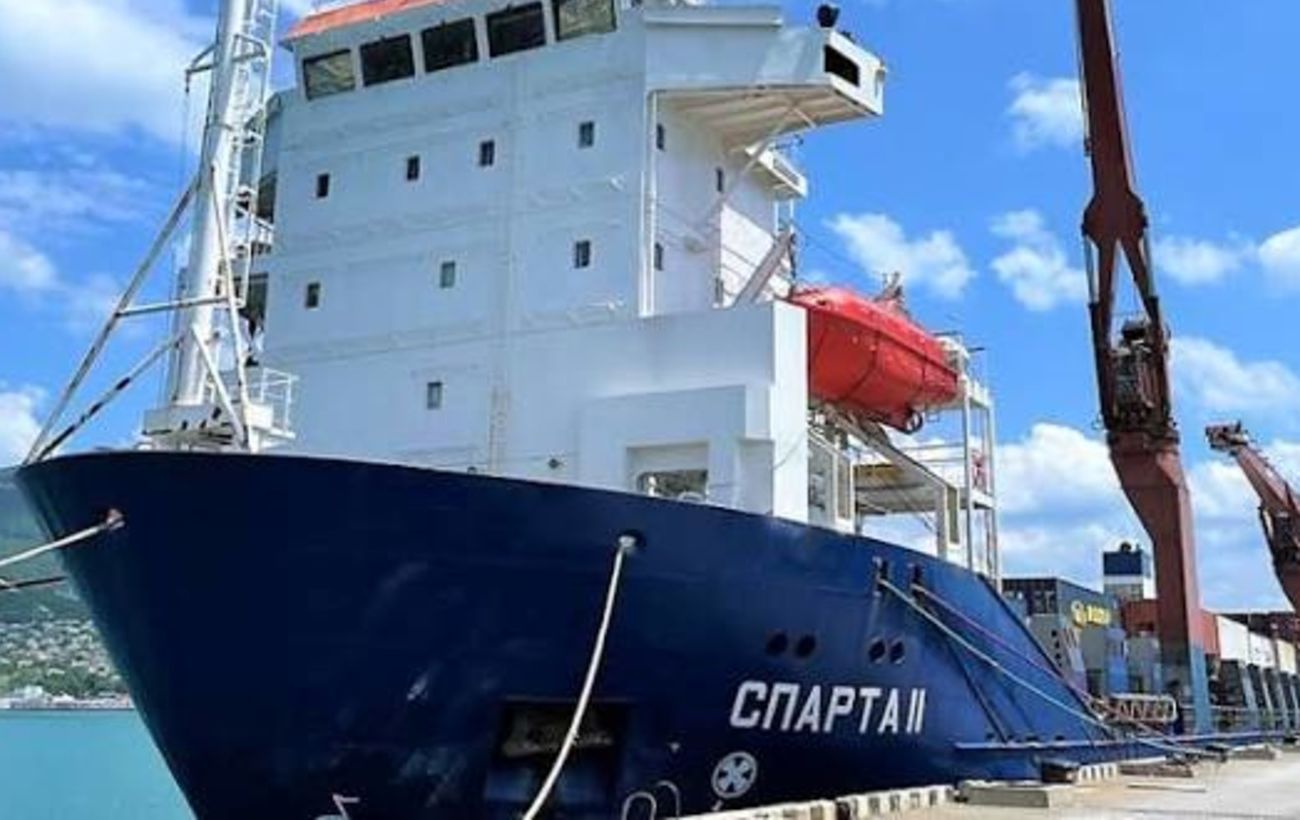
Fire on Russian Vessel Sparta II in the Gulf of Finland Continues Following Drone Attack
Efforts to extinguish the fire on the Russian cargo ship Sparta II are ongoing in Finnish territorial waters.
 🎓Education
Nighttime Drone Attack on Dymer: Rescuers Search for Missing Residents After Apartment Hit
A 14-story apartment building in Dymer, Kyiv region, was partially destroyed following a hostile drone attack, leaving 14 people unreachable.
 🎓Education
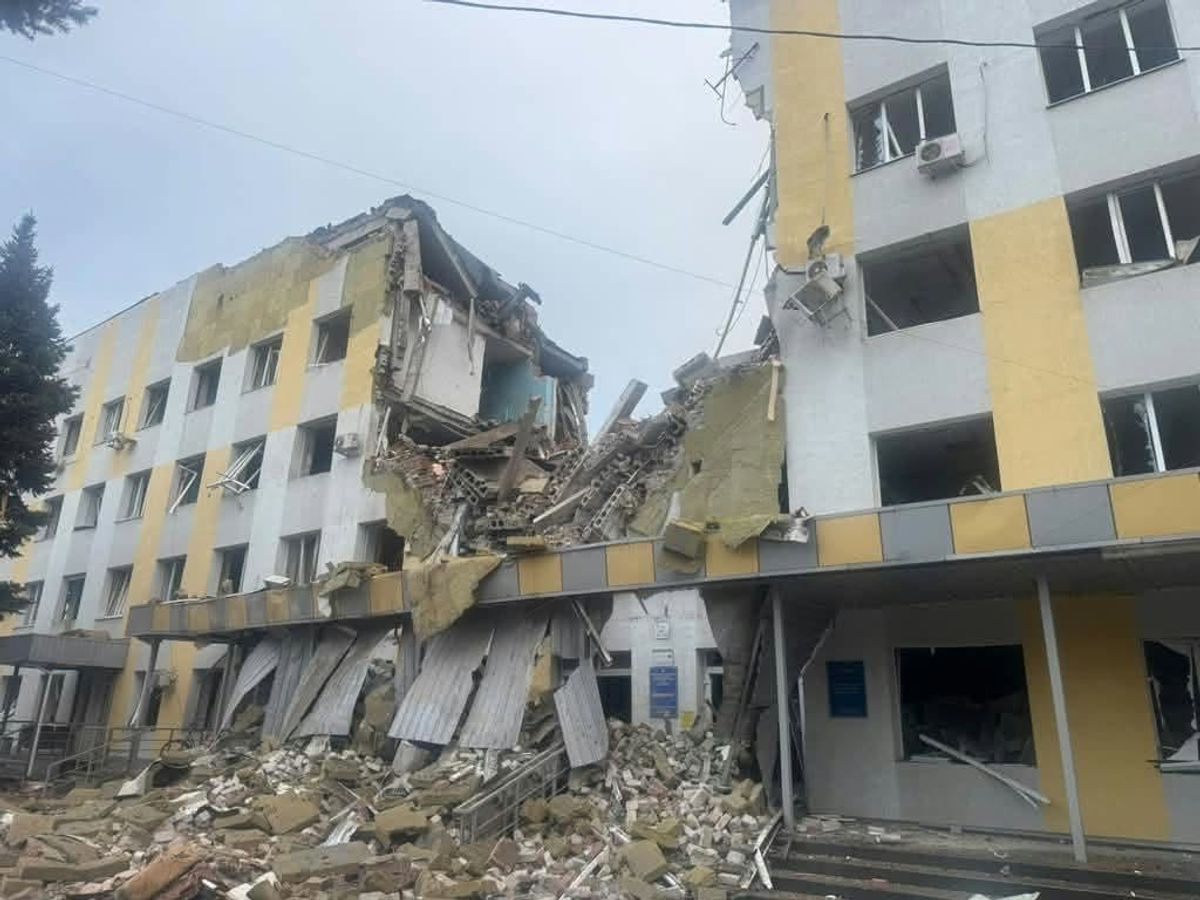
Slavyansk under attack: consequences of massive shelling and evacuation in Donetsk region
As a result of enemy strikes on Slavyansk and other settlements in the Donetsk region, civilians were injured, and authorities continue to rescue people from dangerous ar…
 🚨Events
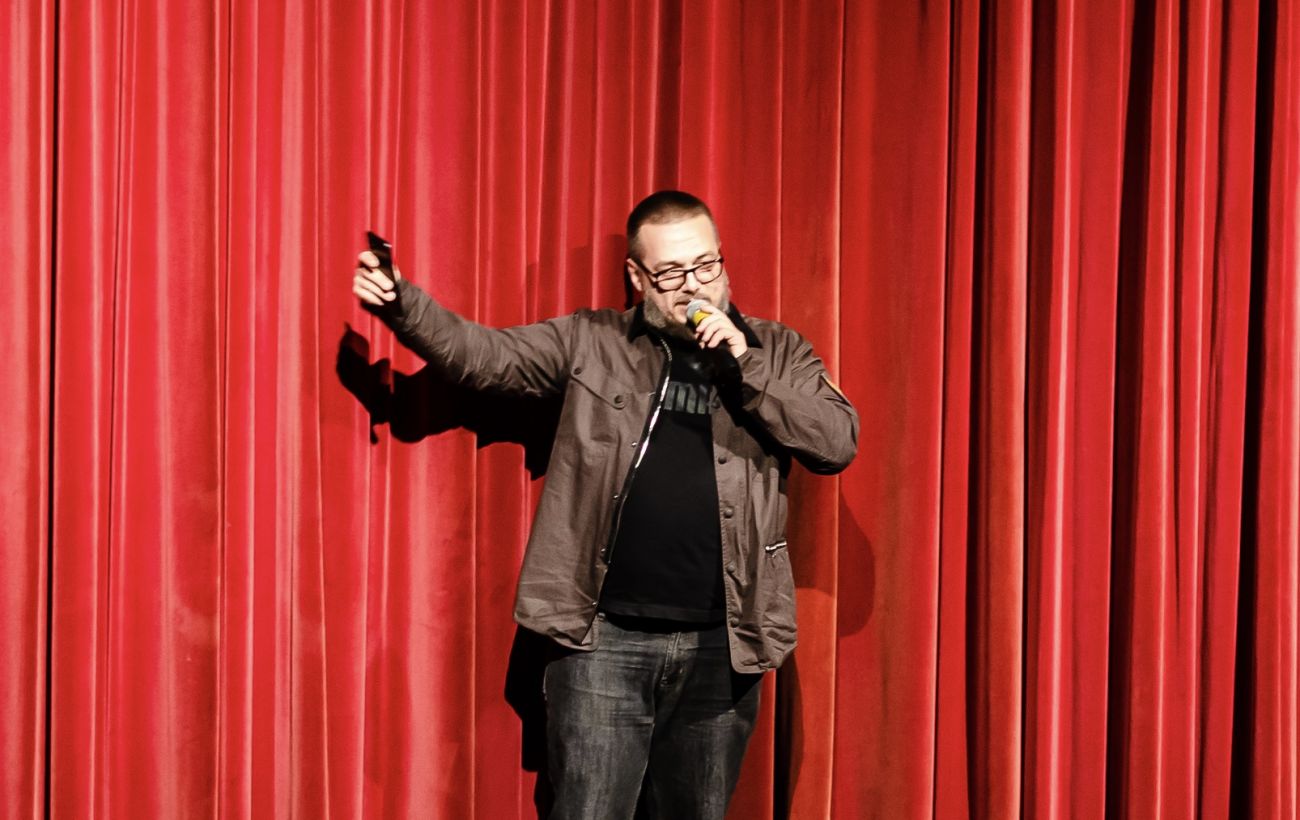
Ukrainian Theatre Tours in Europe: Behind the Scenes of Cultural Diplomacy
Producer Serhii Chudaiev shares insights on organizing Ukrainian theatrical tours in Europe, audience reactions, and logistical challenges.
 🚨Events
Parliamentary oversight of NABU: Expert comments on Kryvonos missing temporary commission meeting
Political expert Volodymyr Sonyuk stated that NABU Director Semen Kryvonos must personally answer questions from the temporary parliamentary investigative commission. He …
 ⚽Sport
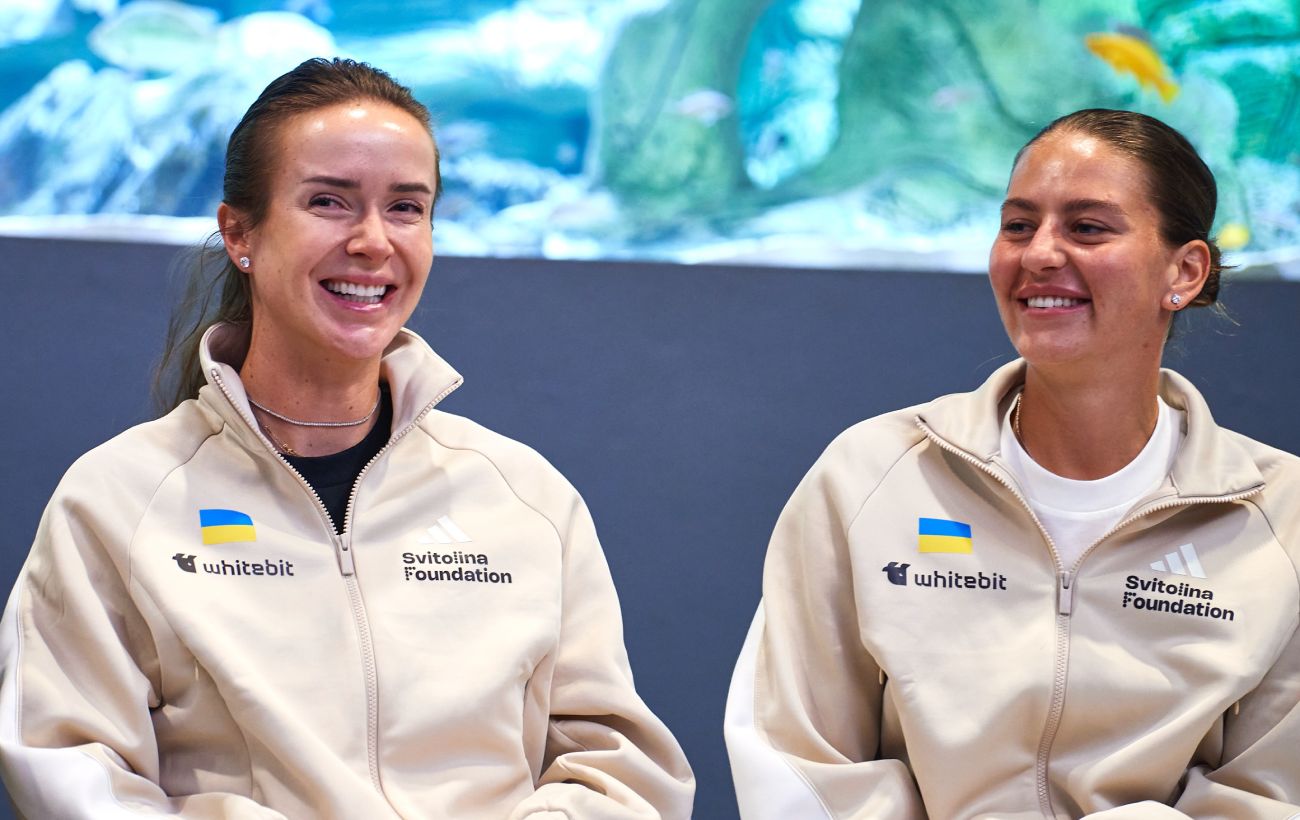
Ukrainian tennis players Svitolina and Kostyuk nominated for prestigious WTA awards
Elina Svitolina and Marta Kostyuk have been nominated for the Women's Tennis Association annual awards following a successful season.